Create Task List
Nudge users to complete a task
The Task List Nudge feature helps you prompt your users to complete the Task List that you have compiled for them. Using the Task List Nudge, you can set the conditions for the Task List to open automatically when the users come to the page.
For example, you can nudge all users who have not completed at least 50 per cent of the tasks listed in the Task List segment.
Use the following steps to configure the Task List Nudge:
- On the Whatfix guidance dashboard, click Widgets.
- Click Task Lists.
- Hover your cursor over the Task List you want to edit and then click the Edit icon.
- Once you have added content, in the Set Rules section, click the Nudge tab.
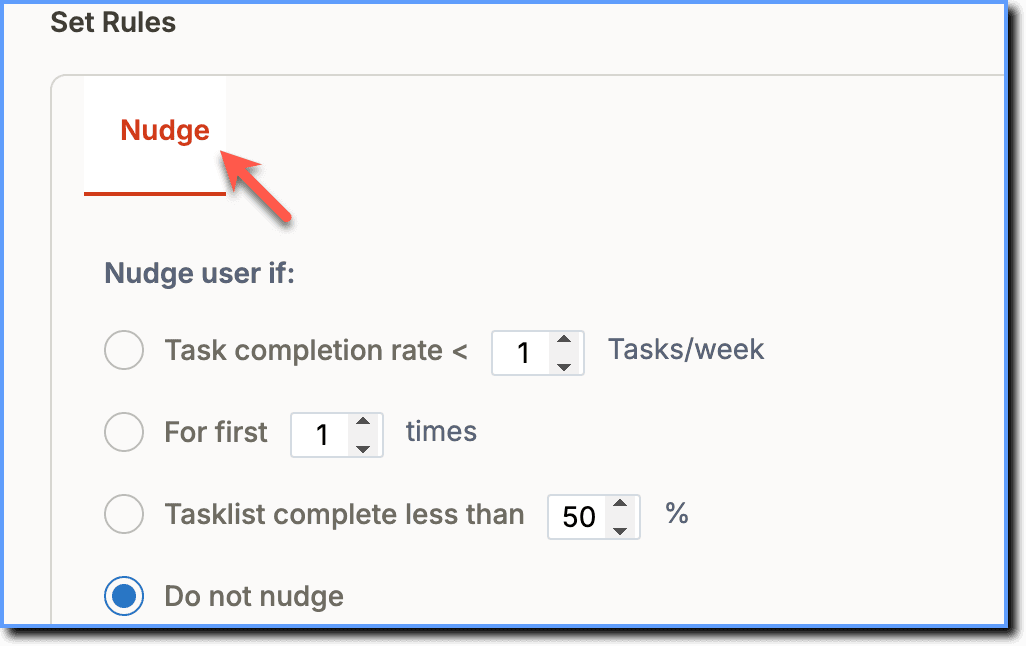
- Select the required condition to nudge the user.
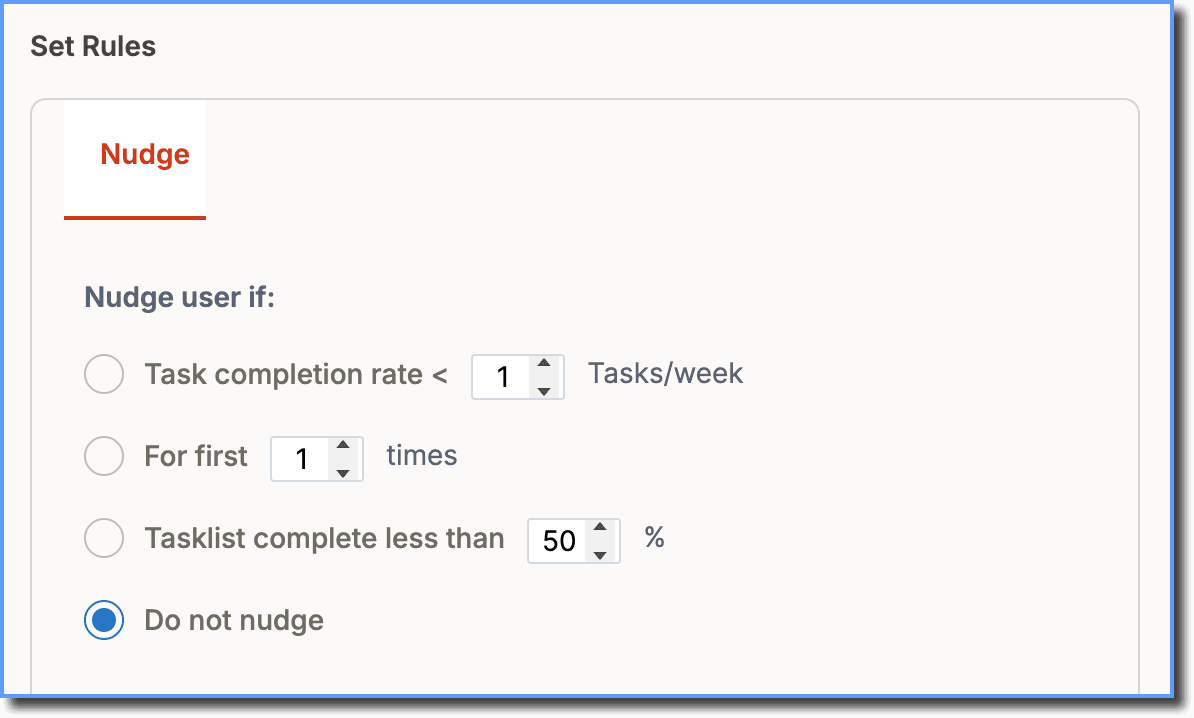
| Condition | Description |
|---|---|
| Task completion rate < {variable} Tasks/week | The Task List is nudged if the user has not completed the minimum set of tasks per week. Note The week's calculation is user-specific. For example, if a user sees the Task List on a Monday, the user is nudged the following Tuesday if the condition is not met. |
| For first {variable} times | The Task List is nudged for the set number of times. Note You can nudge a user using this condition a maximum of 10 times. |
| Tasklist complete less than {variable} % | The Task List user is nudged if the percentage of Task List completion is less than the set percentage. Note The Task List completion percentage is checked every 24 hours per user. |
| Do not nudge | The Task List does not open unless the users click on it. |
- Select how the Task List is triggered using the Trigger user by: options.
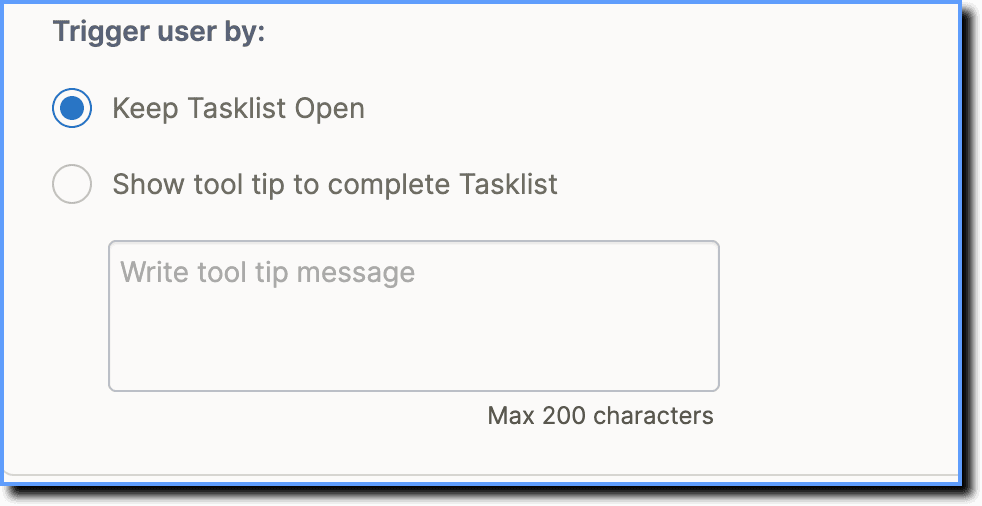
| Action | Description |
|---|---|
| Keep Tasklist Open | Open the Task List when the conditions for a nudge are satisfied. |
| Show tool tip to complete Tasklist | Open the Task List by default and display a personalized tooltip. |
- Click Save.