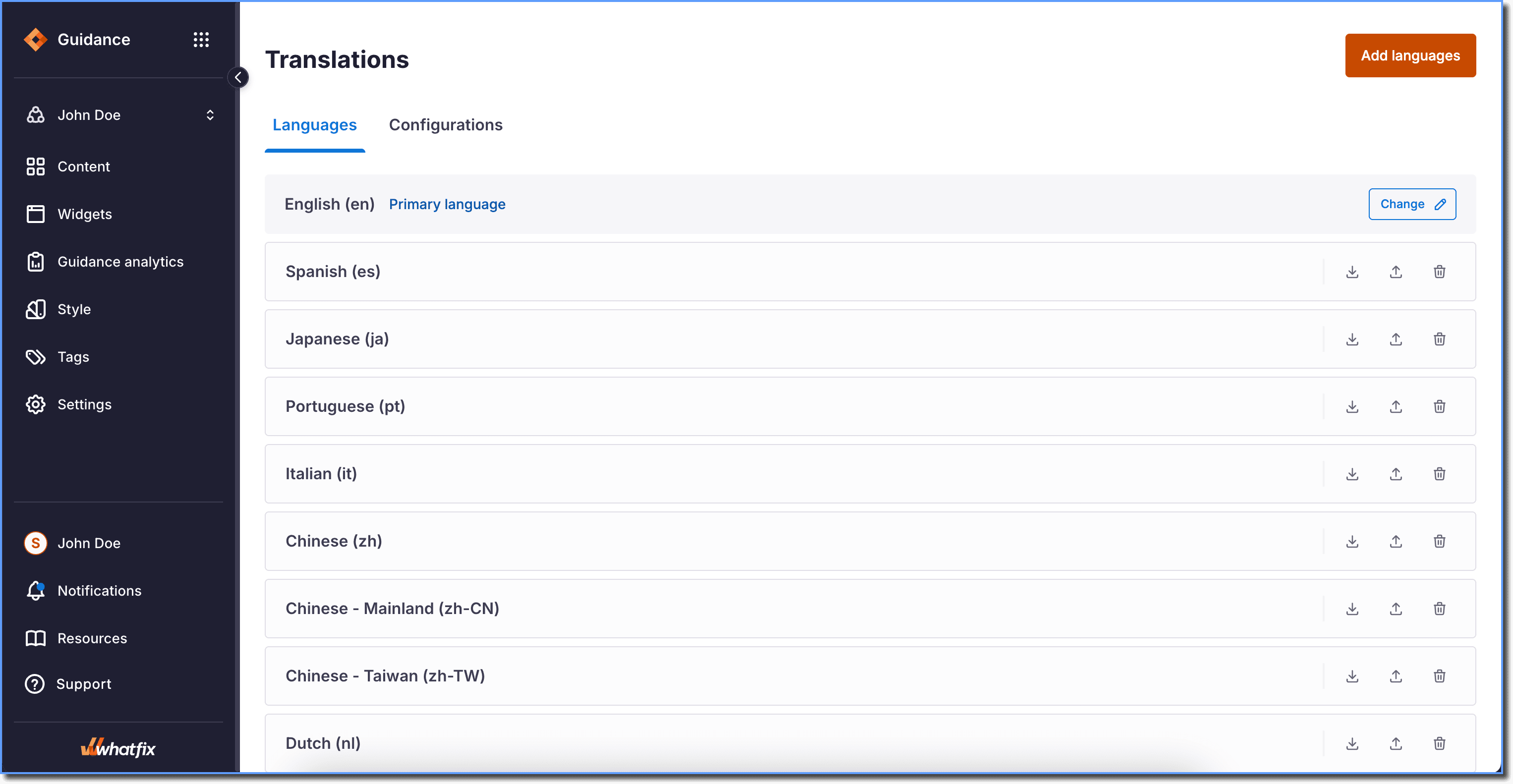
Translations
Languages Supported by Whatfix
The languages in the following table are supported by Whatfix. This means you can add and manage translations for these languages, but there is a difference in the languages supported for auto-translation. To view the list of languages that are supported for auto-translation, see Microsoft Translator Language Support.
Add and manage translations on the Whatfix Dashboard for the following languages:
| Language | Language Code | Auto Translation Supported |
|---|---|---|
| Arabic** | ar | Yes |
| Assamese | as | Yes |
| Bengali | bn | Yes |
| Bulgarian | bg | Yes |
| Burmese | my | Yes |
| Catalan | ca | Yes |
| Cantonese | yue | Yes |
| Chinese | zh | Yes |
| Chinese-Literary | Izh | Yes |
| Chinese Mainland | zh-CN | No |
| Chinese-Simplified | zh-Hans | Yes |
| Chinese-Traditional | zh-Hant | Yes |
| Chinese - Taiwan | zh-TW | No |
| Croatian | hr | Yes |
| Czech | cs | Yes |
| Danish | da | Yes |
| Dutch | nl | Yes |
| English* | en | Yes |
| English (Australia) | en-AU | Yes |
| English (India) | en-IN | Yes |
| English (Malaysia) | en-MY | Yes |
| English (Philippines) | en-PH | Yes |
| English (Singapore) | en-SG | Yes |
| English (South Africa) | en-ZA | No |
| English (Thailand) | en-TH | No |
| English (UAE) | en-AE | No |
| English (UK) | en-UK | Yes |
| English (US) | en-US | Yes |
| Estonian | et | Yes |
| Finnish | fi | Yes |
| French | fr | Yes |
| French - Canada | frca | Yes |
| German | de | Yes |
| Greek | el | Yes |
| Gujarati | gu | Yes |
| Hebrew** | he | Yes |
| Hindi | hi | Yes |
| Hmong | hmn | Yes |
| Hungarian | hu | Yes |
| Icelandic | is | Yes |
| Indonesian | id | Yes |
| Italian | it | Yes |
| Japanese | ja | Yes |
| Kannada | kn | Yes |
| Korean | ko | Yes |
| Latvian | lv | Yes |
| Lithuanian | lt | Yes |
| Malay | ms | Yes |
| Malayalam | ml | Yes |
| Marathi - India | mr | Yes |
| Mongolian | mn | Yes |
| Nepali | ne | Yes |
| Norwegian | no | Yes |
| Persian | fa | Yes |
| Polish | pl | Yes |
| Portuguese | pt | Yes |
| Portugese - Brazil | pt-BR | Yes |
| Portugese - European | pt-PT | Yes |
| Punjabi | pa | Yes |
| Romanian | ro | Yes |
| Russian | ru | Yes |
| Serbian | sr | Yes |
| Sinhala | si | Yes |
| Slovak | sk | Yes |
| Slovenian | sl | Yes |
| Spanish- Argentina | sr | No |
| Spanish - Castilian | es-ES | No |
| Spanish - Mexican | es-MX | No |
| Spanish | es | Yes |
| Swedish | sv | Yes |
| Tagalog | tl | Yes |
| Tamil - India | ta | Yes |
| Telugu | te | Yes |
| Thai | th | Yes |
| Turkish | tr | Yes |
| Ukrainian | uk | Yes |
| Urdu** | ur | Yes |
| Vietnamese | vi | Yes |
| Welsh | cy | Yes |
- *English is the default language.
- **Languages are written right to left.
- To add additional languages (mentioned above) to the list in your account, contact support@whatfix.com.
- The alignment of content on the tip is from Right to Left (RTL).
- While referencing a language code in AC code, any dashes (-) must be omitted, and any uppercase letters must be made lowercase. For example, pt-BR must be typed as ptbr.
How to check the enabled languages for an account?
Use the following steps to check the languages added to an account:
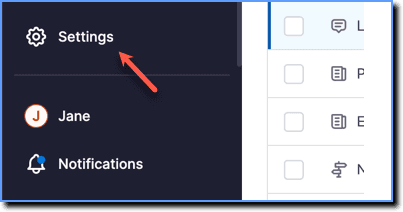
- On the Whatfix Guidance dashboard, click Settings.
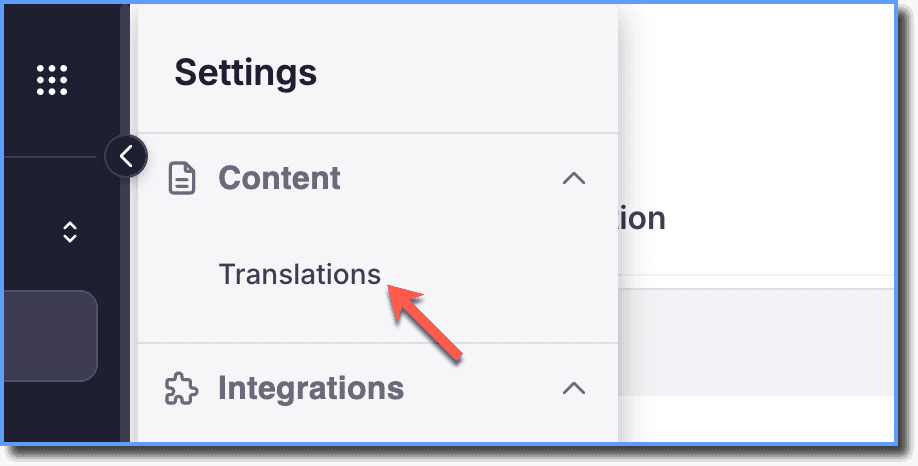
- Click Translations.
The list of languages enabled for the account appears in the Translations page: