Create content for DAP on OS
Create a Link
To provide contextual help about your application, add external resources as links to the Pin.
Note:
Whatfix content such as Flows can only work on DAP on OS if you add them as links.
-
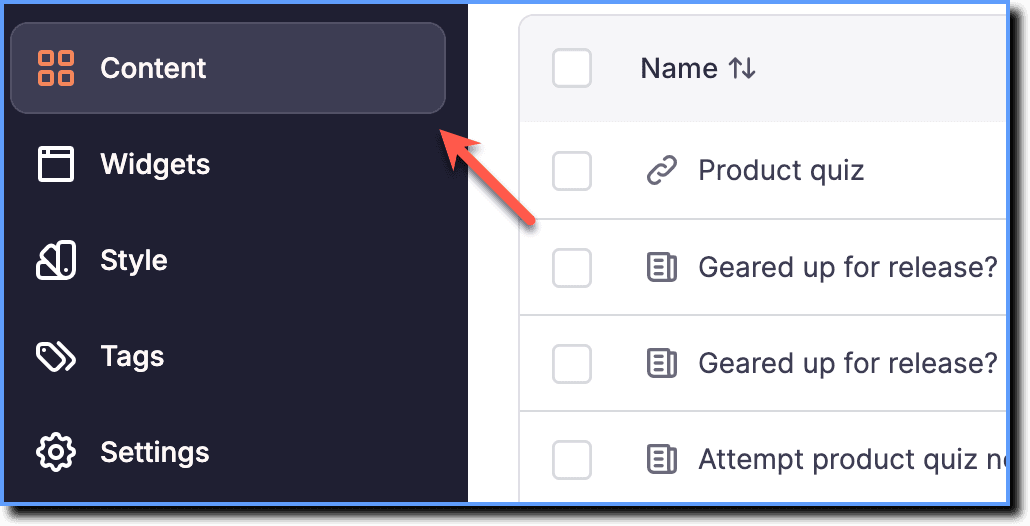
On the Guidance dashboard, click Content.
-
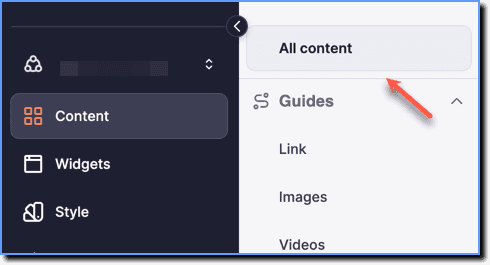
Click All content.
-
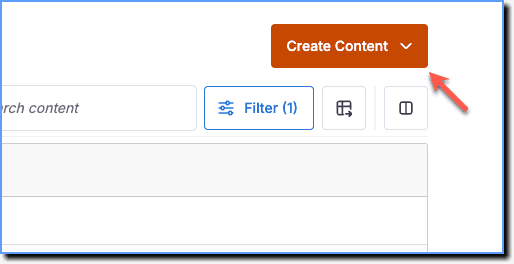
Click the Create Content button.
Note:
View the Create content button only in the Draft Stage of the dashboard.
- Click Link.

- Enter Title for the link and add the necessary link in the Link text field.
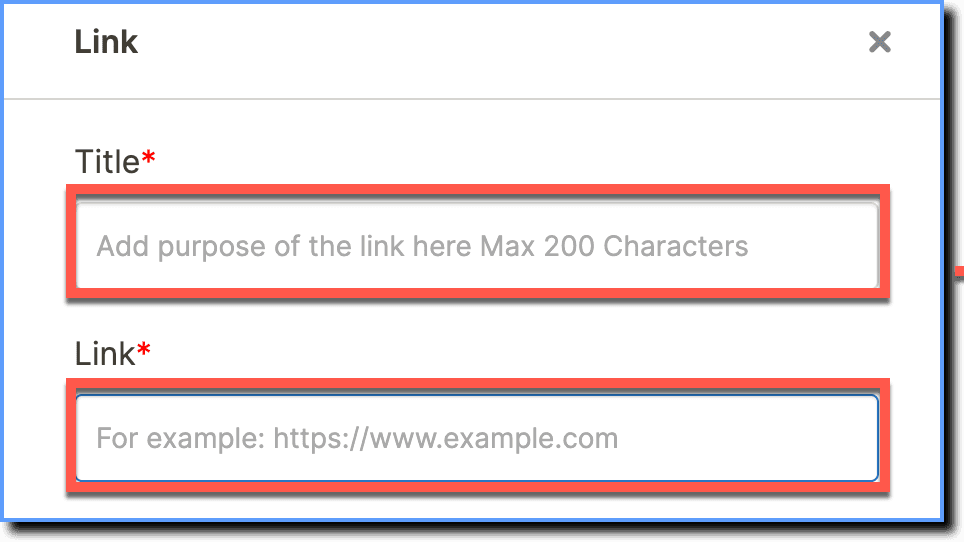
- Add required Tags and Keywords if needed.
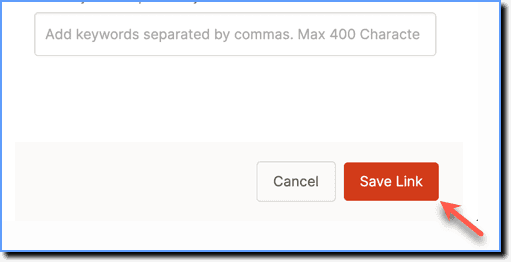
 4. Click Save Link.