Funnel Insights
Download Funnel Insights
Download Funnel data to understand how end users navigate through the application. Share this report with stakeholders for decision-making. The exported data enables analysis of the average time taken between interactions. The data is generated in CSV format, as shown in the following image.
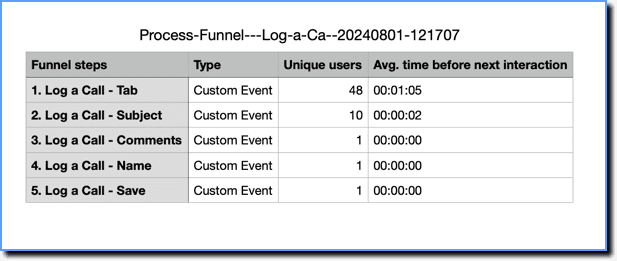
The report contains the following columns:
- Funnel steps: Shows the name of the Flow step, User Actions (App or Custom events), or Page View URLs part of the Funnel.
- Type: Shows the type of the Funnel step. A Funnel can be made up of Flows, User Actions (App or Custom events), or Page View URLs.
- Unique users/Total events: The table displays funnel data based on whether you select Unique users or Total attempts. It shows the corresponding values as either Unique users or Total events.
- Unique users: Displays the count of users who completed each specific step. Example: In the Funnel, 48 users completed the first step.
- Total events: Displays the total number of attempts made by users to complete each step. Example: In the Funnel, 11 attempts were made by users to complete the first step.
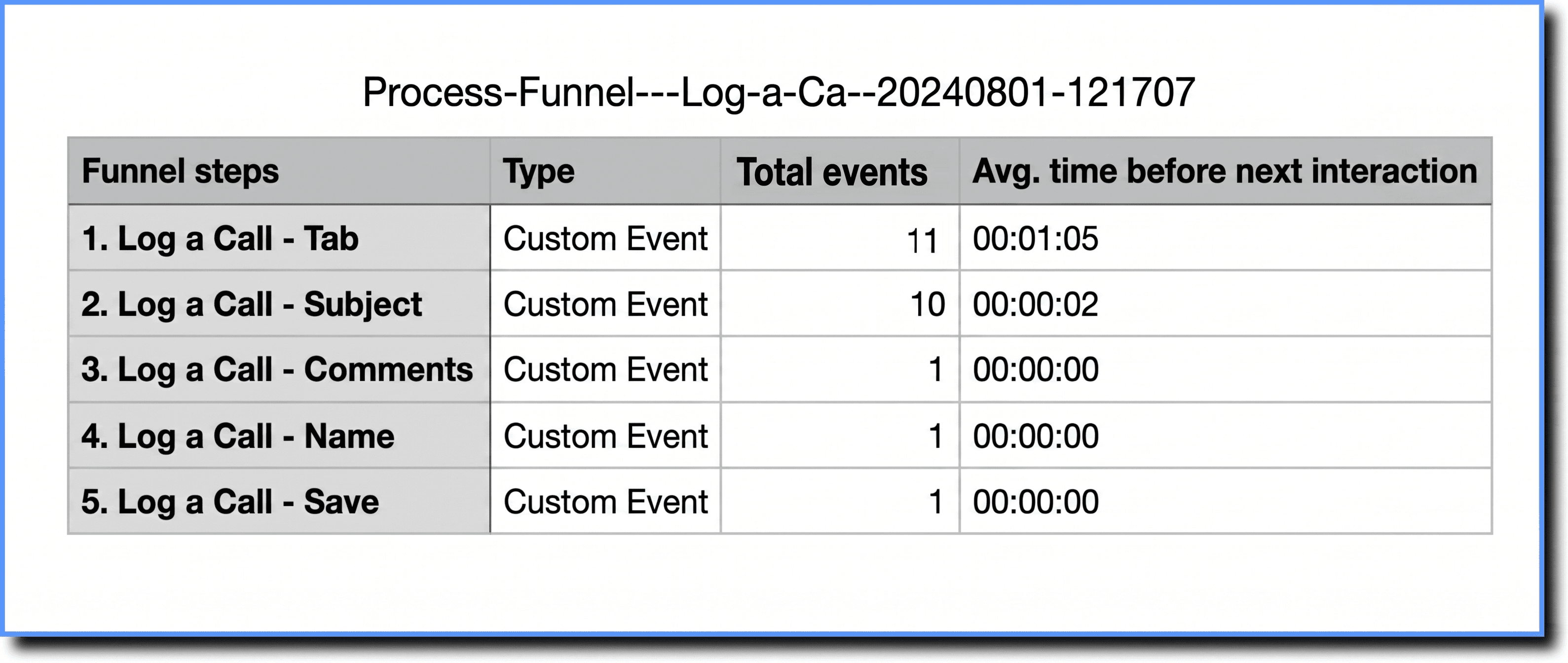
- Avg. time before next interaction: Captures the average time users spend at a step before moving to the next step.
Use the following steps to download Funnel data:
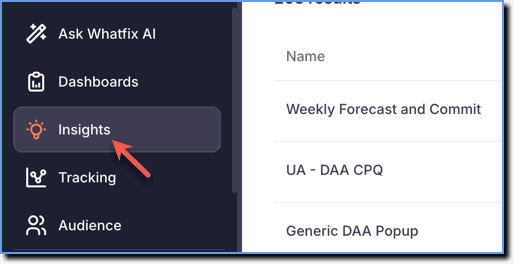
- On the Whatfix Analytics dashboard, click Insights.
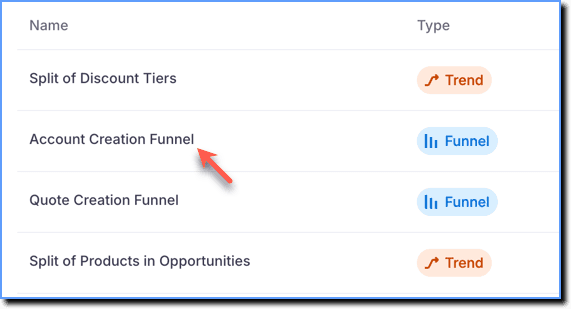
- Click the Funnel Insight for which you want to download the data.
- Scroll down to the Funnel data section, and then click Export data.
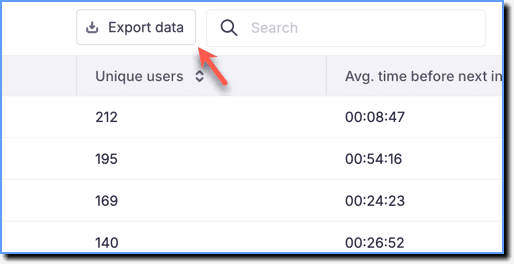
- The .csv file is downloaded to your local drive.
- You can download up to six months of Funnel Insights data at any given time.