Funnel Insights
Delete a step from Funnel Insights
After creating a Funnel, delete any Funnel Step, including a Flow, Flow steps, User Actions, or Page Views, that you no longer require as part of the Funnel analysis.
Use the following steps to delete a Funnel Step:
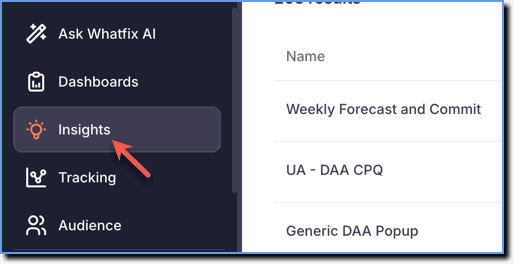
- On the Whatfix Analytics dashboard, click Insights.
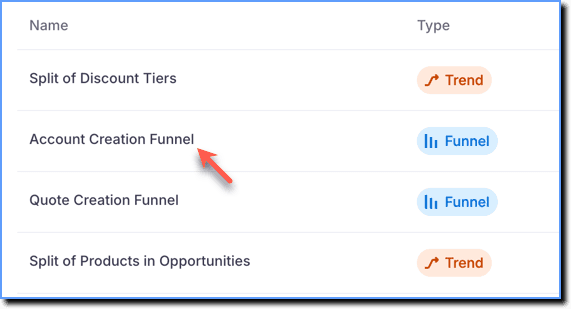
- Click the Funnel Insight in which you want to delete a step.
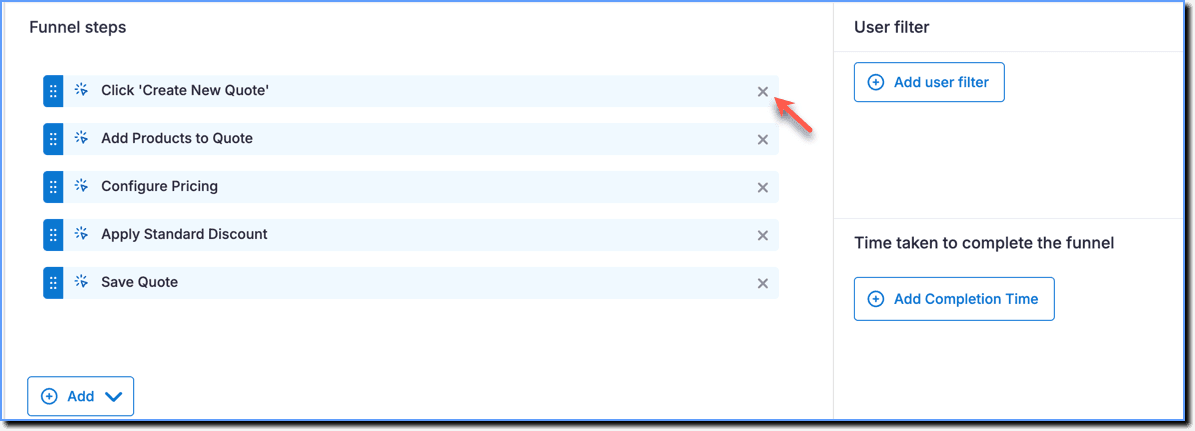
- Click the X icon to remove the steps from the Funnel.
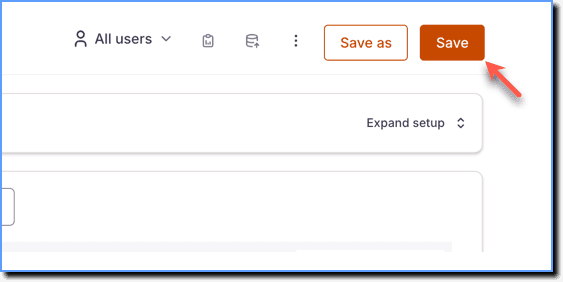
- Click Save.
Info:
Click Save as to save the changes made to the existing Insight as a new Insight. For more information, see Copy Funnels. 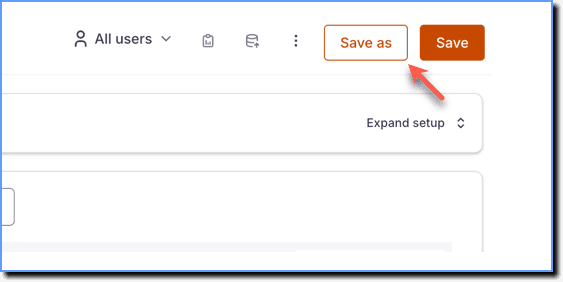
Note:
If you have deleted a step from a Funnel Insight that is part of a Dashboard, then the changes are updated in the Dashboard as well.